
Library card in your phone
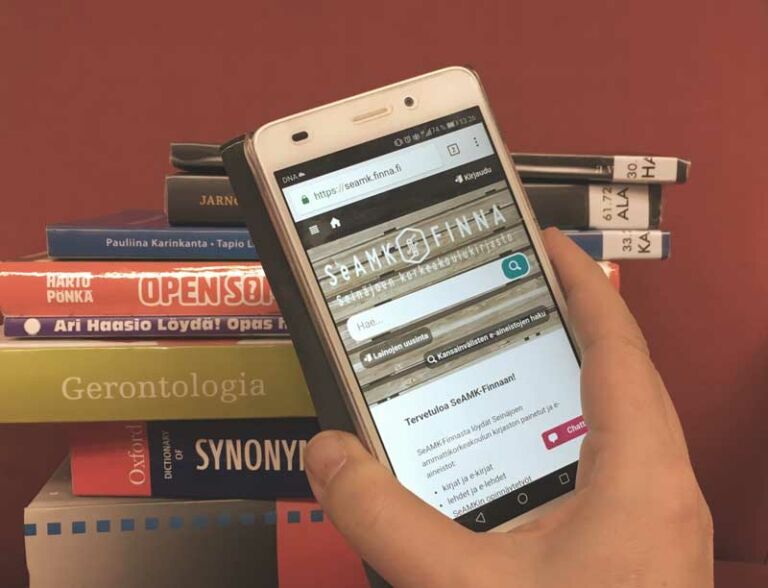
Did you forget your library card? No worries – you have your SeAMK library card with you in your smart phone.
When visiting the library, login to SeAMK-Finna in your mobile phone(Opens in a new window). Under Library Cards tab you can find library cards connected to your account as well as their barcodes. Take a screenshot of the barcode and use the photo as your mobile library card.
If you use your student card as a library card, you must first add it to your SeAMK-Finna account so that the card information and barcode are visible in SeAMK-Finna.
According to Seinäjoki University of Applied Sciences Library’s terms(Opens in a new window) the library card is personal and it must be always along when one borrows.
We have self-checkout machines which will only work with a library card and password/PIN code. Mobile library card is also valid.